Independent consulting
A strategy project grows from a review into additional analysis.
- Define the extra deliverable
- Estimate the added effort
- Review the revised fee

BUILT AROUND THE ENGAGEMENT
Update scope, costs and terms in one engagement.
Learn moreTHE WORKFLOW
01 / SCOPE
Record deliverables, exclusions and client responsibilities before building the proposal.
OUTPUTA scope you can review with the client.
Explore the product ↗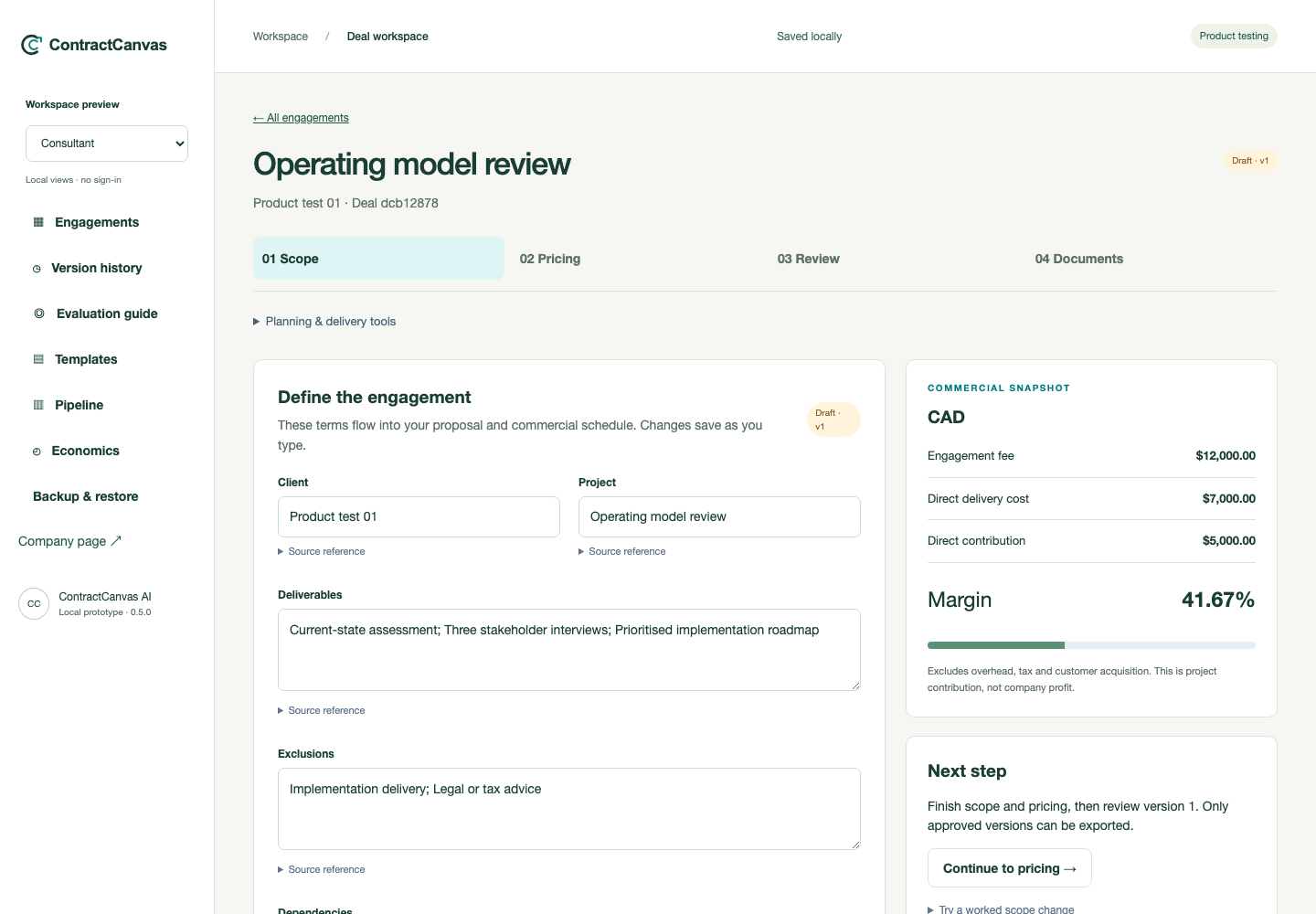
02 / PRICING
Enter the fee, planned effort and direct costs. Compare contribution before accepting extra work.
OUTPUTA fee decision supported by delivery assumptions.
Explore the product ↗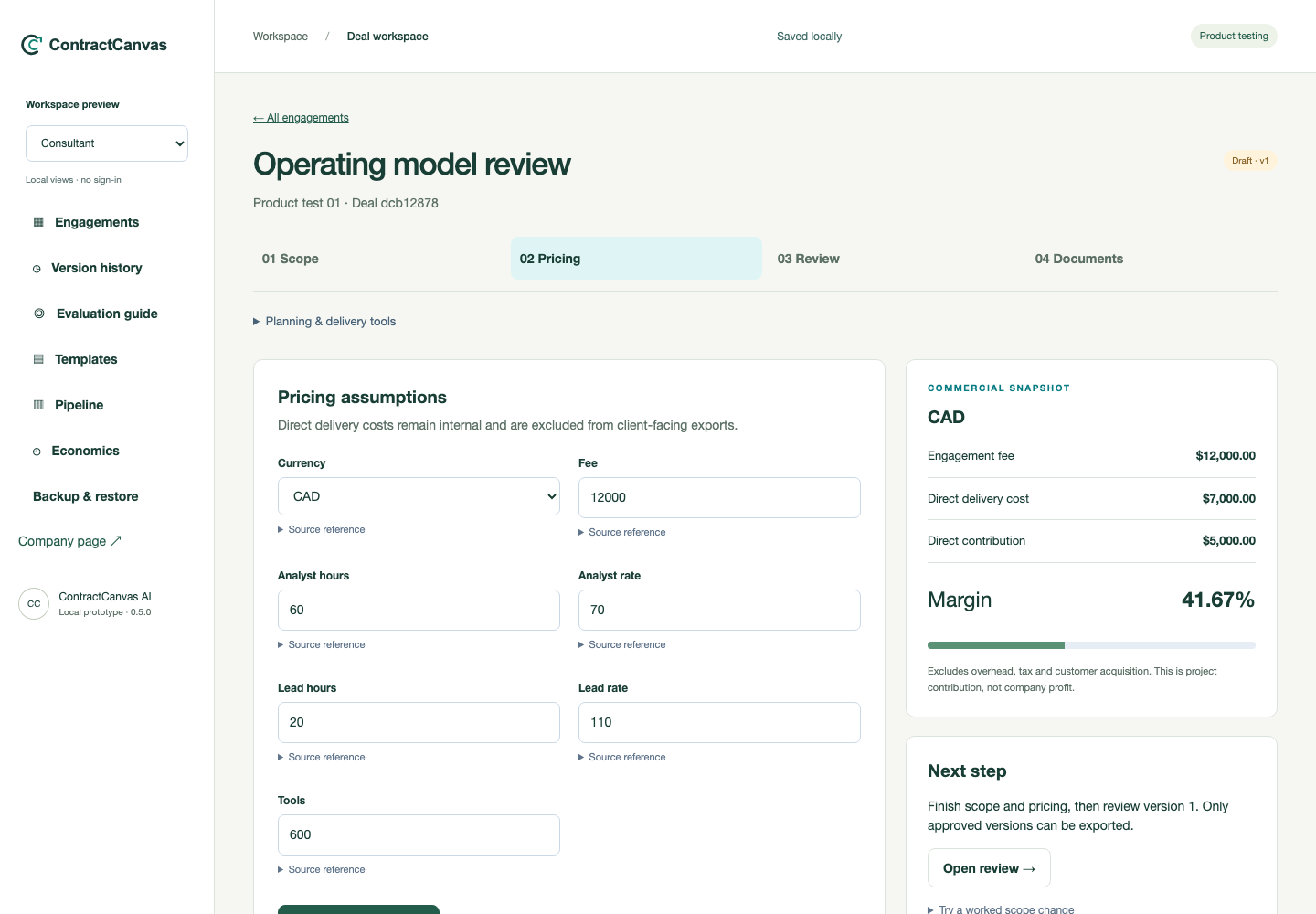
03 / REVIEW
Check the engagement details together. Keep earlier approved terms when a revision creates a new version.
OUTPUTA retained record of the terms you reviewed.
Explore the product ↗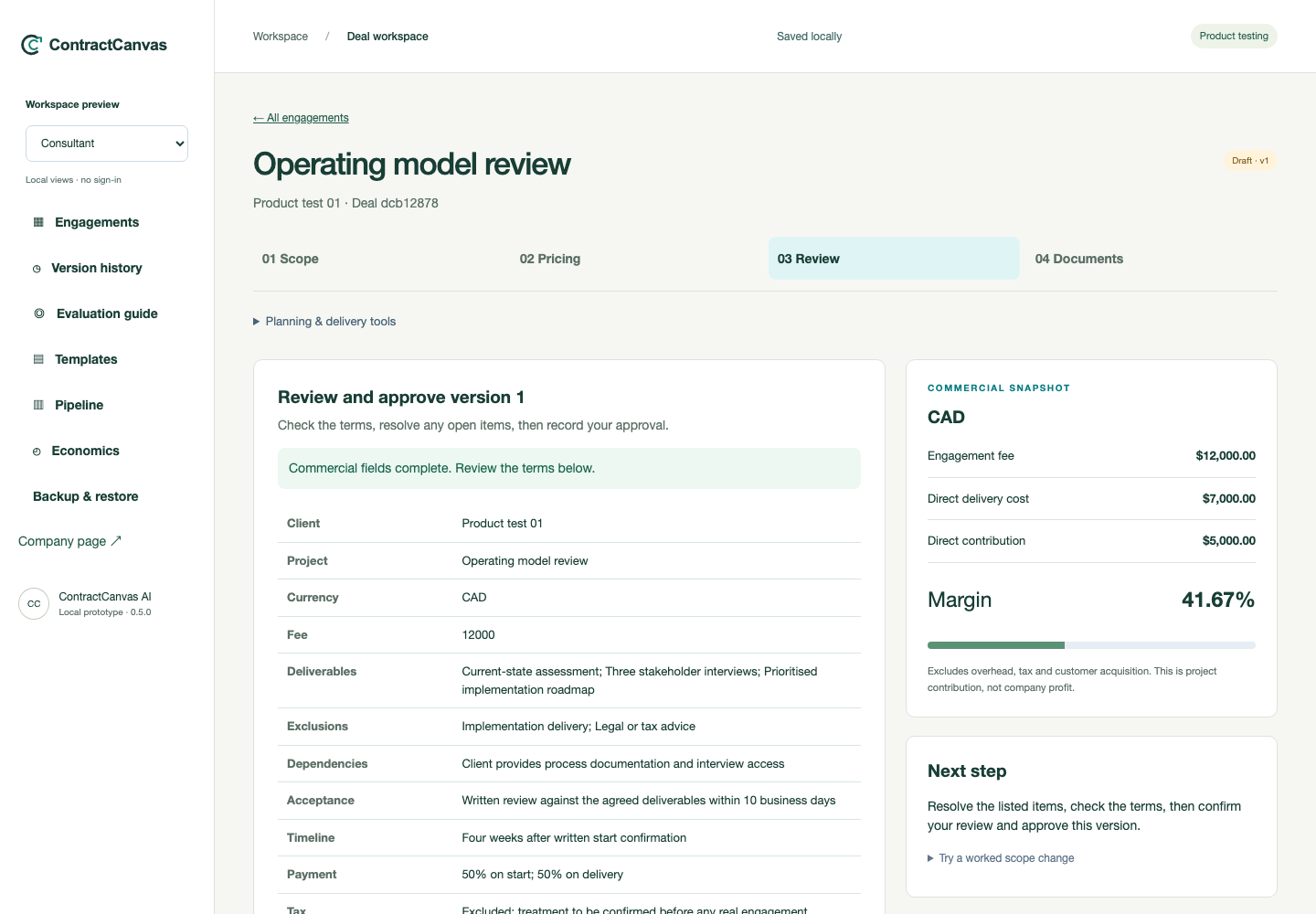
04 / DOCUMENTS
Create the proposal and commercial schedule from the approved engagement, then use your own signing process.
OUTPUTDocuments tied to the approved version.
Explore the product ↗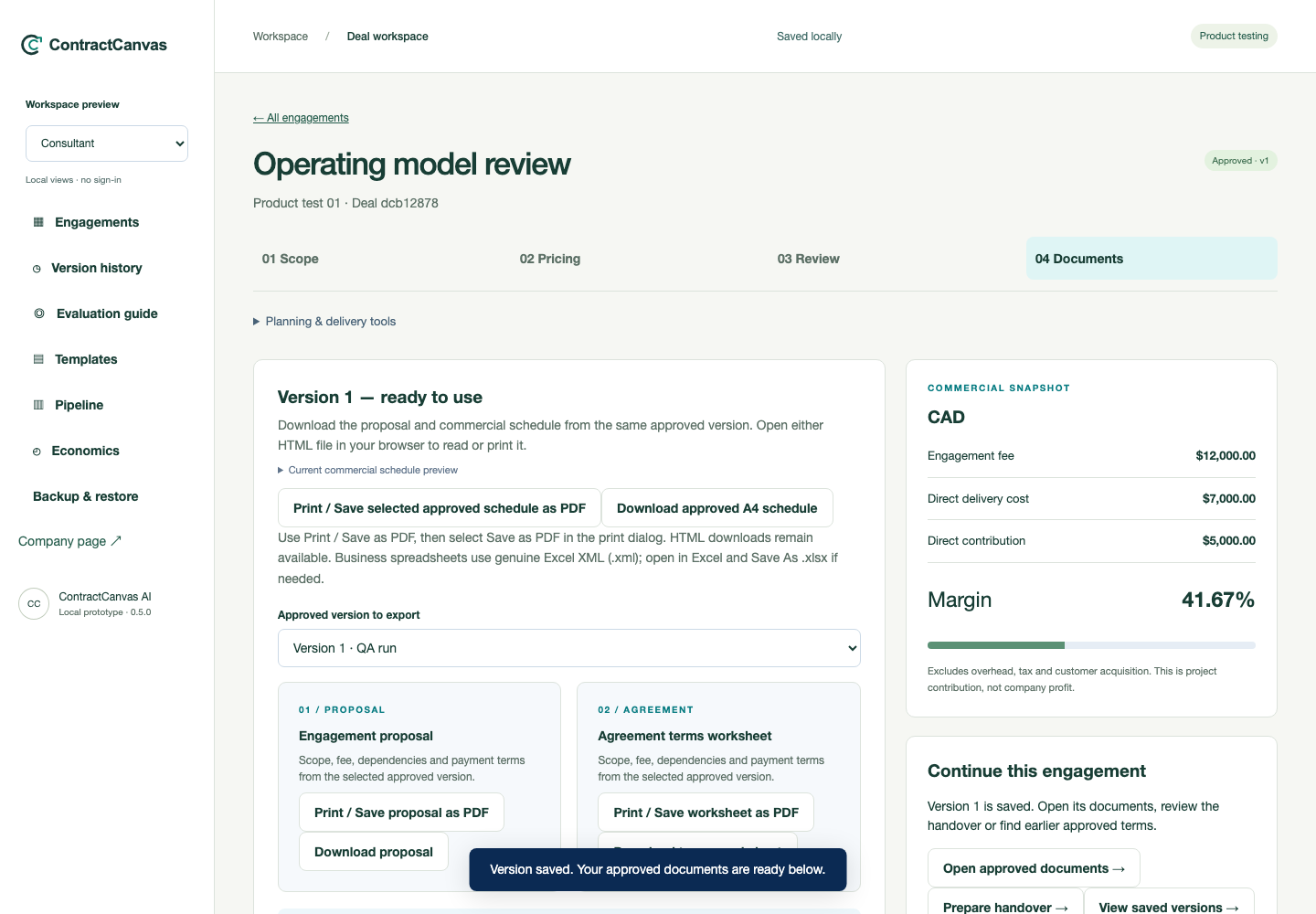
COMMON ENGAGEMENTS
A strategy project grows from a review into additional analysis.
A client requests another revision round beyond the original brief.
The team needs to know which scope and assumptions were approved.
THE DOCUMENTS
Build the commercial record from the engagement details you have reviewed.
Objectives & deliverables
Responsibilities & timing
Fee & commercial assumptions
Scope & exclusions
Client inputs & dependencies
Review & acceptance criteria
Check the generated documents against the transaction. Use your own legal review and signing process.
Explore document outputs ↗Illustrative document outlines shown.BEFORE YOU START
Consultants, agency owners and delivery leads who prepare bespoke scopes, estimate delivery costs and manage changes to client engagements.
Create or edit an engagement, calculate direct contribution, review a version and generate its documents. Start with sample details and compare the workflow with your current process.
No. The beta focuses on scope, economics and version review. Document handoff to a signing service or other business system is manual.
Browser-based beta. Use sample information and export a backup to keep your work.
Templates are starting points. Review the transaction, jurisdiction and completed terms with appropriate advisers before using a document.
Use the evaluation form to record the task, result and any difficulty. In this preview, feedback stays in the browser for local review.
Open the evaluation form →THE COMPANY
ContractCanvas AI Inc. is developing software for consulting teams that manage bespoke engagements and changing scope.
Explore scope, pricing, version review and document outputs in the beta. Hosted teams and connected AI services are in development.
Explore product development ↗